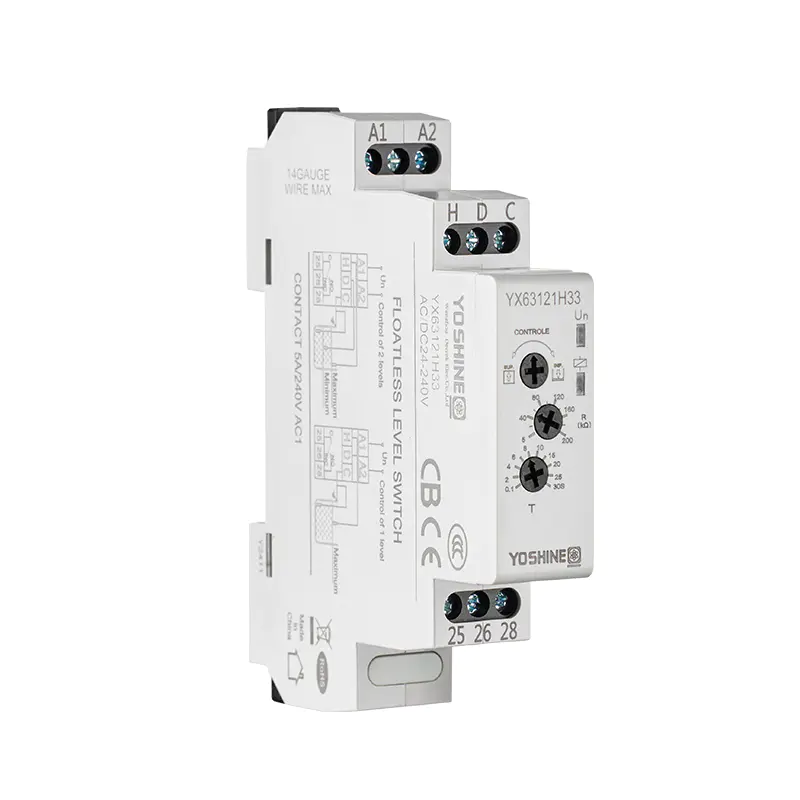
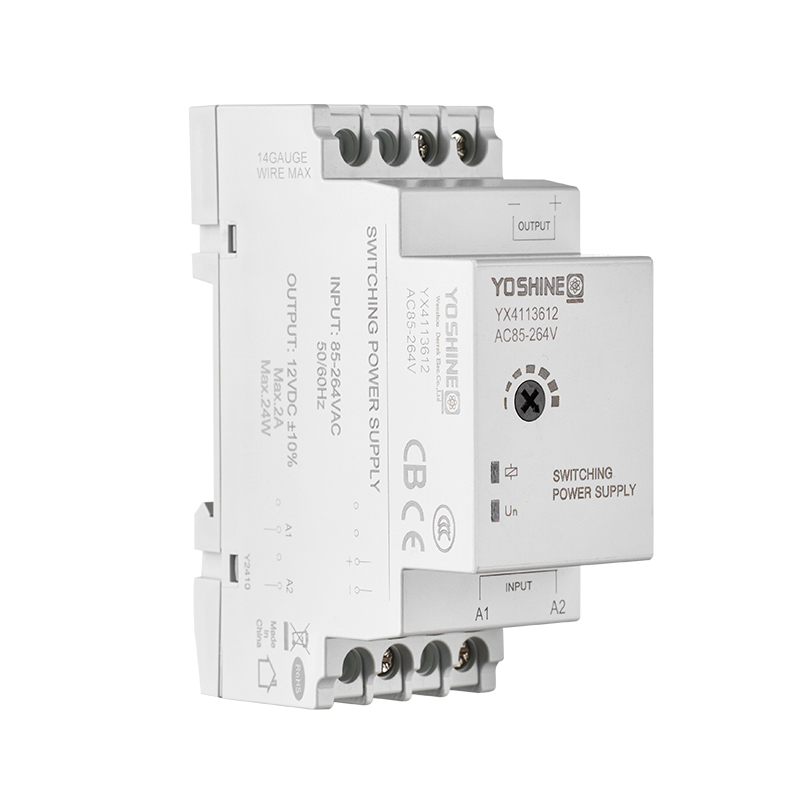
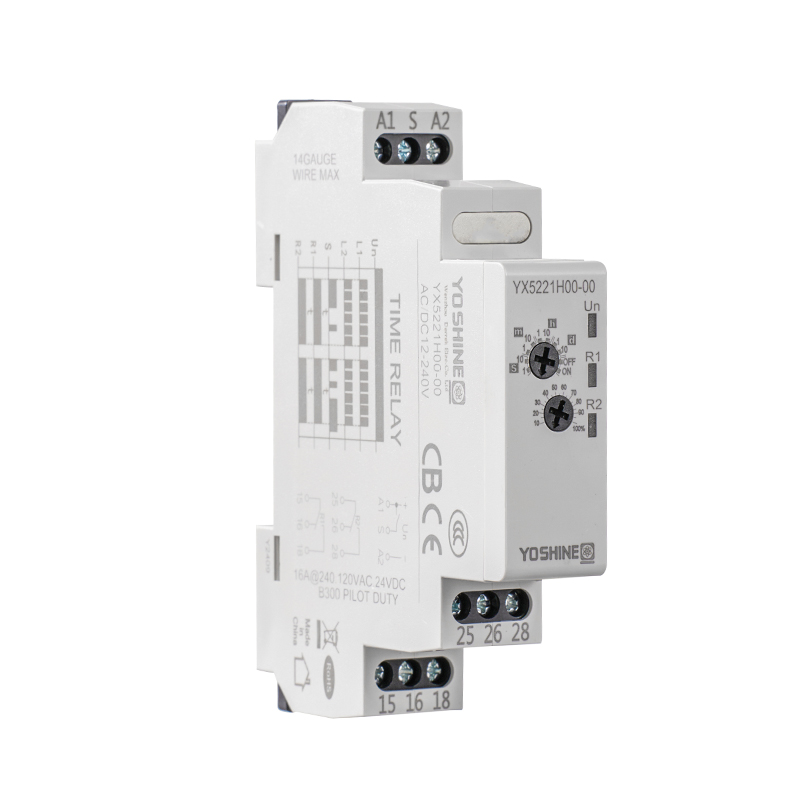
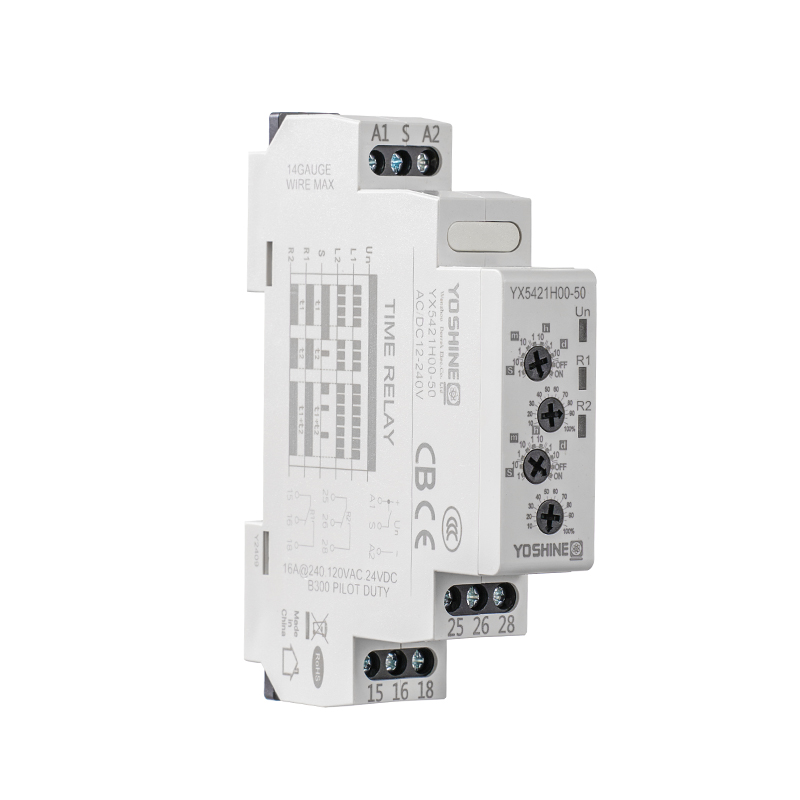
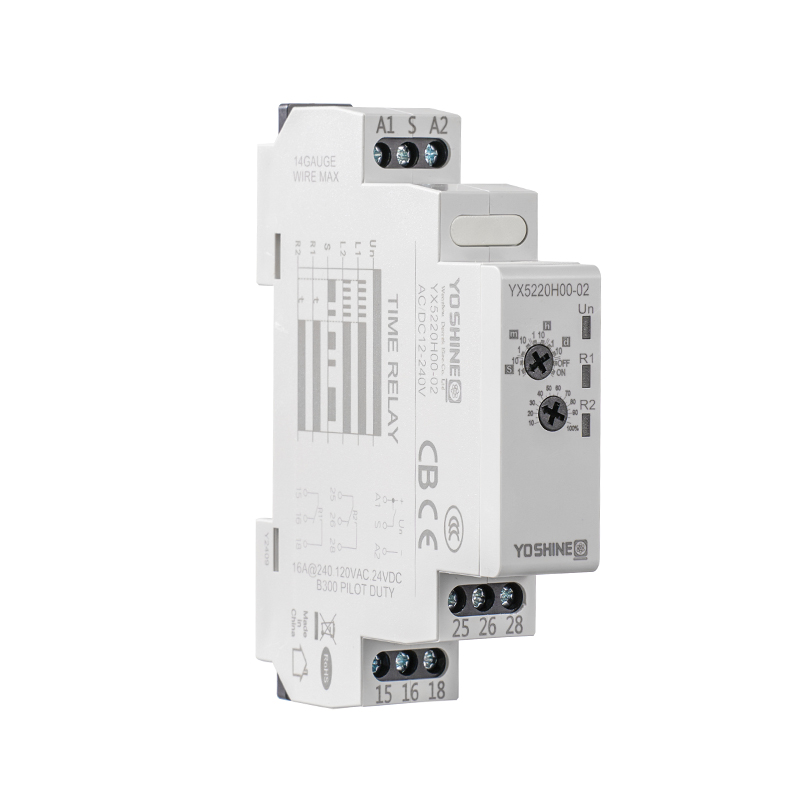
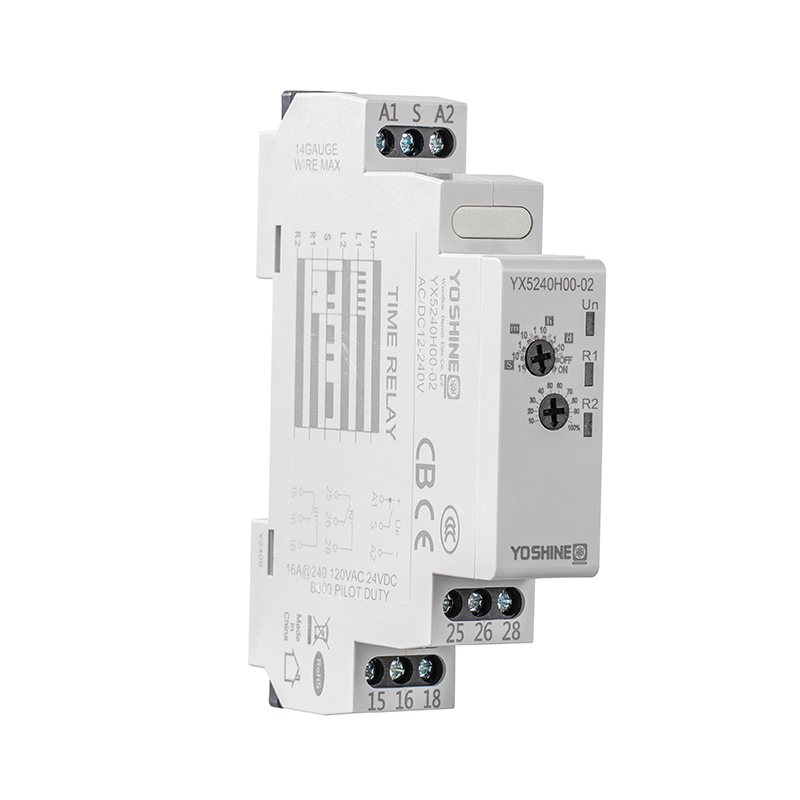
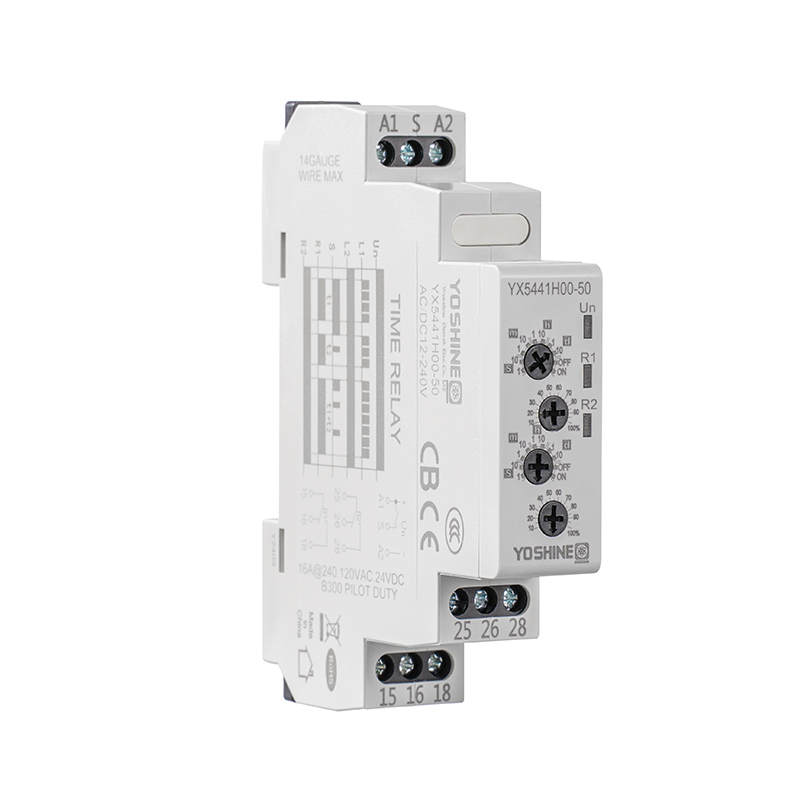
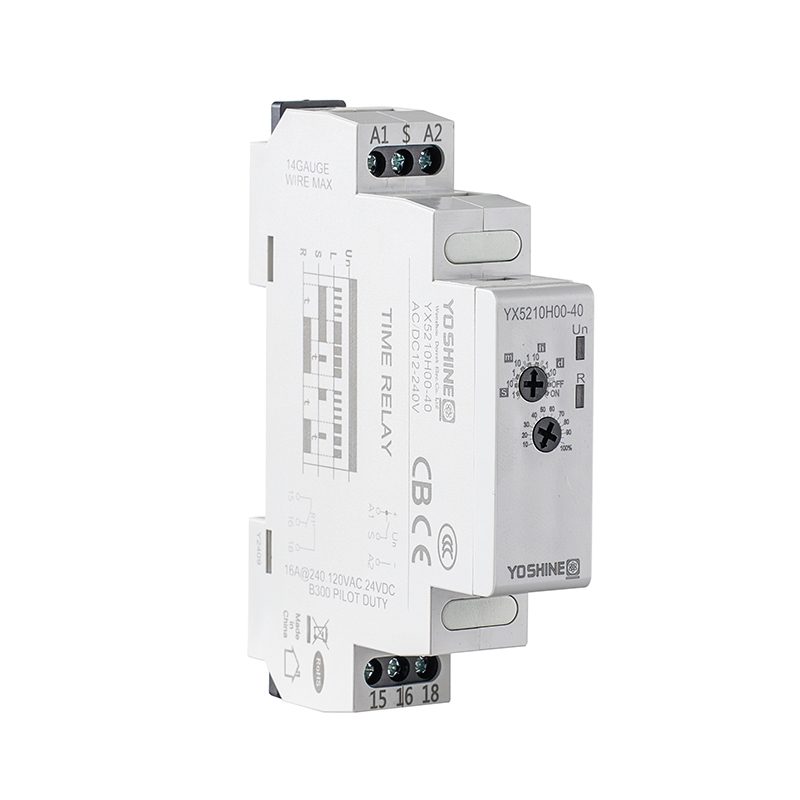
Pressing a wall button once to switch a corridor light, a carton passing a sensor and nudging a conveyor forward, a packing line halting after a set batch: these actions work from a brief electrical command, not a signal held for as long as the task lasts. A Pulse Output Relay converts such an instruction into a short switching event that other equipment can respond to. The Pulse Relay Switch, Pulse Latching Relay, and Pulse Counter Relay are close relatives, though each behaves in its own way. The sections below explain how they operate, how they differ from continuous relays, where they appear, and how to choose and diagnose them.
A Pulse Output Relay gives a temporary output after it receives a control command. An ordinary relay keeps its contacts operated while the coil stays energized. A pulse type changes the output for a short, defined period, and the receiving equipment then carries on with its own sequence.
The relay works inside a wider control circuit. Its input may come from a controller, a sensor, or a timer. Some designs produce the pulse when the input changes state, and others react to a specific operating condition. Confirm which method applies before pairing the device with a task.
Take a filling line as an example. A sensor detects a container at the filling position, and the controller sends a pulse to start the dispensing step. The output then returns to rest. A receiving device is spared from reading a long signal as a string of repeated orders. The controller still decides when each action should take place, and the relay only carries out the switching.
A continuous relay holds its contacts for as long as its input is present. This suits a fan or motor that must stay enabled while a machine runs. A pulse type fits a command meant to happen once, such as moving an indexing table by one position.
| Comparison | Continuous Relay | Pulse Output Relay |
|---|---|---|
| Output behavior | Stays active while input remains | Brief switching action |
| Typical purpose | Holding an operating state | Sending a short command |
| Control link | A continuing condition | A single event |
The receiving device decides the choice. Equipment that needs a maintained signal may ignore a brief pulse. Equipment built to react to one momentary command may repeat its action if it sees a continuous output.
A Pulse Relay Switch alters a circuit in response to a pulse. Depending on the design, the output may return by itself once the pulse period ends, or it may follow a defined switching sequence.
A Pulse Latching Relay holds its state after the pulse has ended. Another pulse changes that state again, so the device remembers its position with no signal held. A stairwell lighting circuit is a familiar case: one press turns the lamps on, they remain on after the button is released, and a later press turns them off. This approach reduces the need for a constant control signal in circuits that must keep a chosen state.
Product names vary between manufacturers. A label by itself does not show whether a device gives a temporary output, toggles a state, or keeps its last position, so the datasheet should be checked for the actual operating method.
Factories often need to track items, cycles, or movements. A Pulse Counter Relay takes incoming pulses as records of repeated events and can switch an output when a preset count is reached. A sensor notices each box, the counter advances, and at the target number the system stops a conveyor or activates a diverter gate.
Dependable counting rests on several conditions:
When one object produces several signals while passing a sensor, the displayed count will drift from the true number. Careful sensor positioning and signal conditioning help reduce this.
Pulse switching appears wherever separate actions need coordination.
In all these cases the relay forms one link in a chain that also includes sensors, controllers, power supplies, actuators, and protective devices.
A missing pulse often traces back to a loose wire or an absent input, leaving equipment waiting for a command. Repeated pulses may result from a sensor seeing an object twice or from electrical noise, and they upset counts or cause unexpected movement. Sometimes the relay works properly while the load fails because of wiring mistakes or an incompatible input.
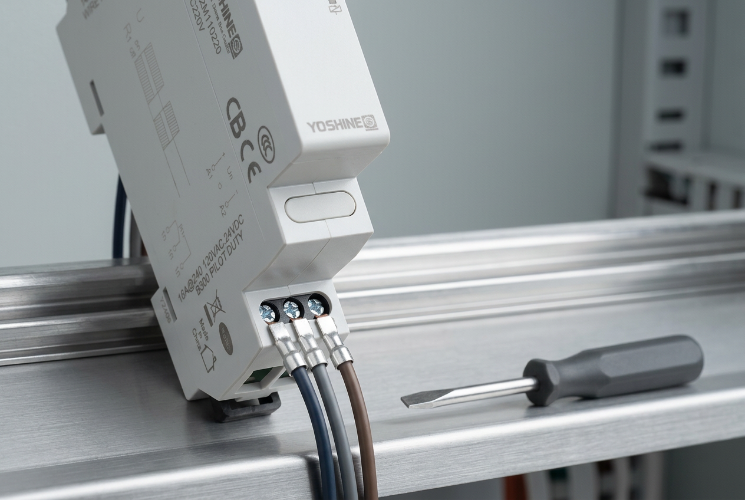
Trace the signal from source to load:
Swapping the relay without checking its surroundings may fix nothing, because the fault could sit in a sensor, controller, supply, or connection. Knowing the difference between a temporary pulse and a retained state helps maintenance staff find causes and avoid wrong replacements. A Pulse Output Relay gives automated systems a practical route for turning a brief instruction into a switching response that the rest of the process can use.

Popular Products
Have Questions?
Get in Touch!
Our aim is to provide the market and the customers with high quality products like Pulse Relays and customized solutions.
Zhiguang Industry Zone, Liushi Town, Yueqing, Wenzhou, Zhejiang, China.
+86-13819765860


 English
 русский
 Español